
Turn Your iPhone Into a Pocket Captioning Tool
Did you know your iPhone can create real-time captions for conversations, videos, and
phone calls? Apple’s Live Captions feature is a powerful accessibility tool that makes
everyday communication more inclusive for people who are deaf or hard of hearing,
and it’s built right into the iOS.
Live Captions automatically transcribes audio playing on your iPhone, from FaceTime calls
and social media videos to in-person conversations. The captions appear on screen
instantly, giving you visual access to spoken words wherever you are.
How to turn on Live Captions:
Open Settings
Tap Accessibility
Select Live Captions
Toggle Live Captions on
Once enabled, a small caption window will appear when audio is detected. You can
resize it, move it around your screen, or pause captions as needed.
Live Captions are especially helpful in noisy environments, during quick conversations, or
when captions aren’t available on videos. It’s one more way technology can break down
communication barriers, putting access, understanding, and connection right in the palm
of your hand. Check it out today!
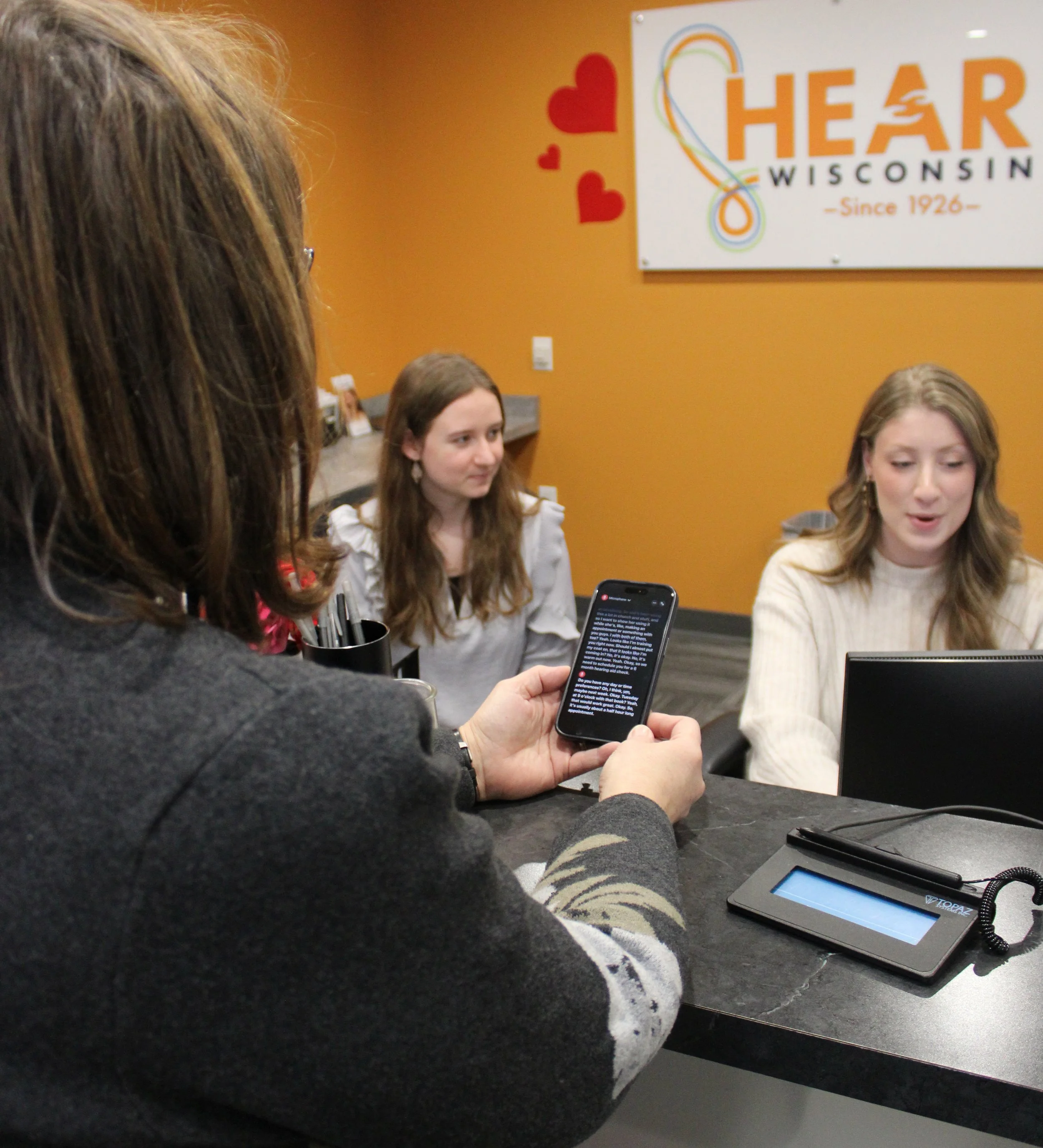
I was born profoundly deaf and rely on reading lips, so following conversations, especially in large groups or when I can’t see the speaker, can be challenging. Apple’s Live Captioning feature has been a game changer. It helps me stay connected to the dialogue in real time, and it’s incredible to see how much speech recognition technology continues to improve!
- Kristin Johnson, Director of Fund Development